

SQLiteManager
A powerful database management system for sqlite databases.
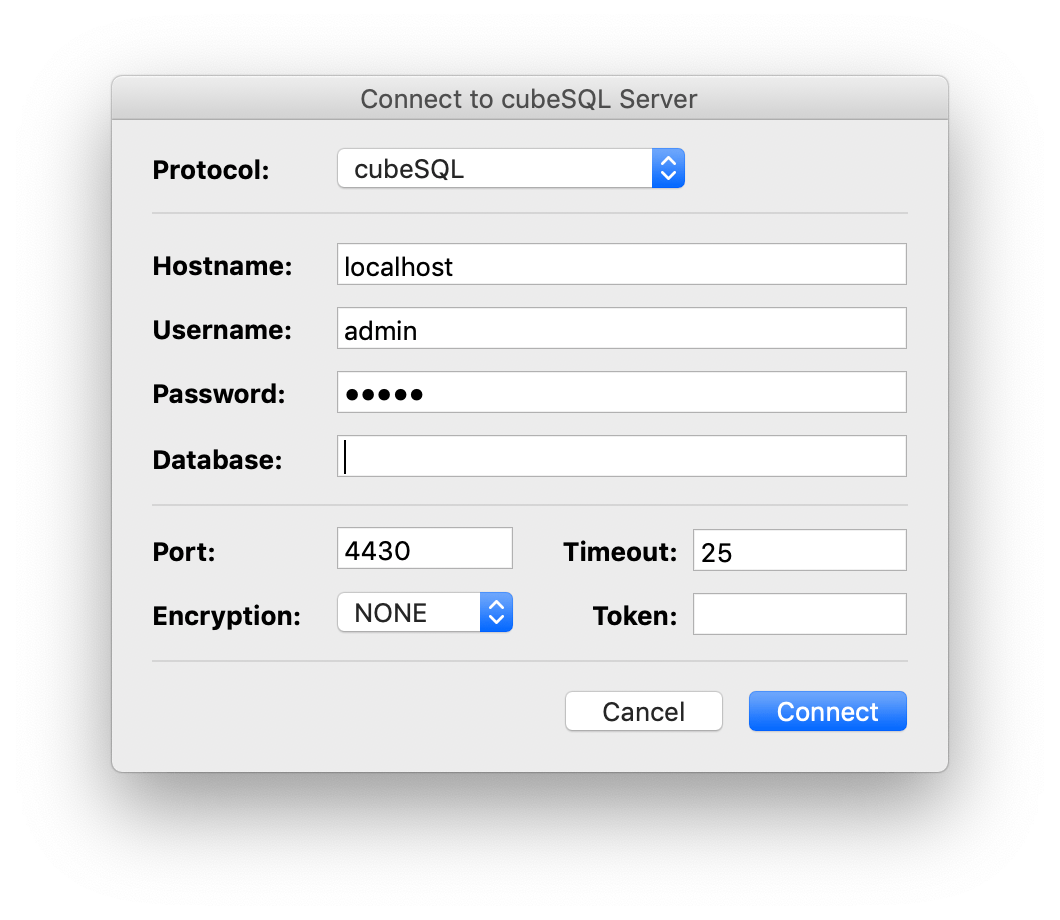
SQLiteManager allows you to work with a wide range of encrypted sqlite 3 databases: AES 128/256/RC4 encrypted databases, SQLCipher encrypted database and also with cubeSQL server.
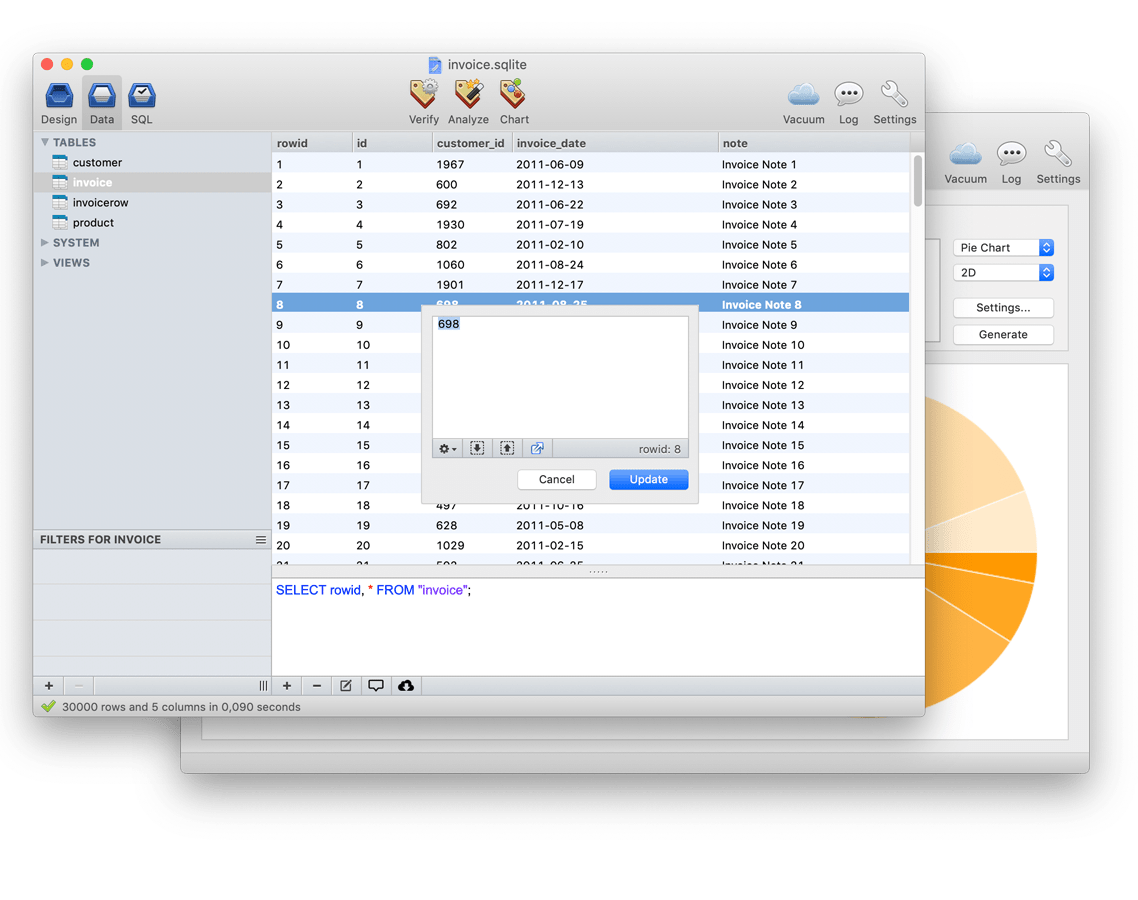
Powerful GUI
The true power of SQLiteManager is its simple and intuitive interface, all the main features are just a click away and most of the time very complicated command line commands are wrapped inside a simple button.
The same interface is used in both the MacOS X and Windows version and you can also purchase a multiplatform license in order to use the same serial number on both platforms.
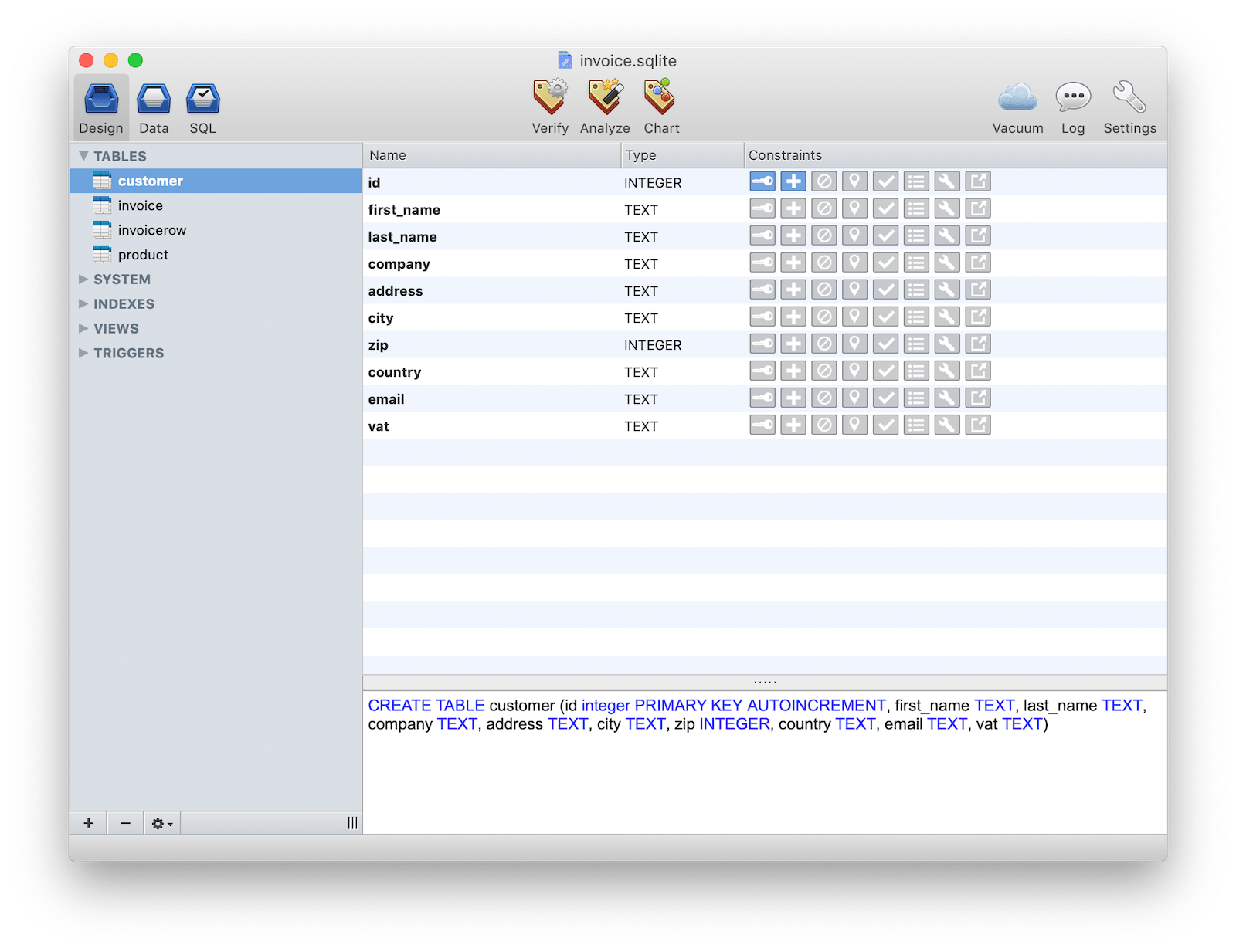
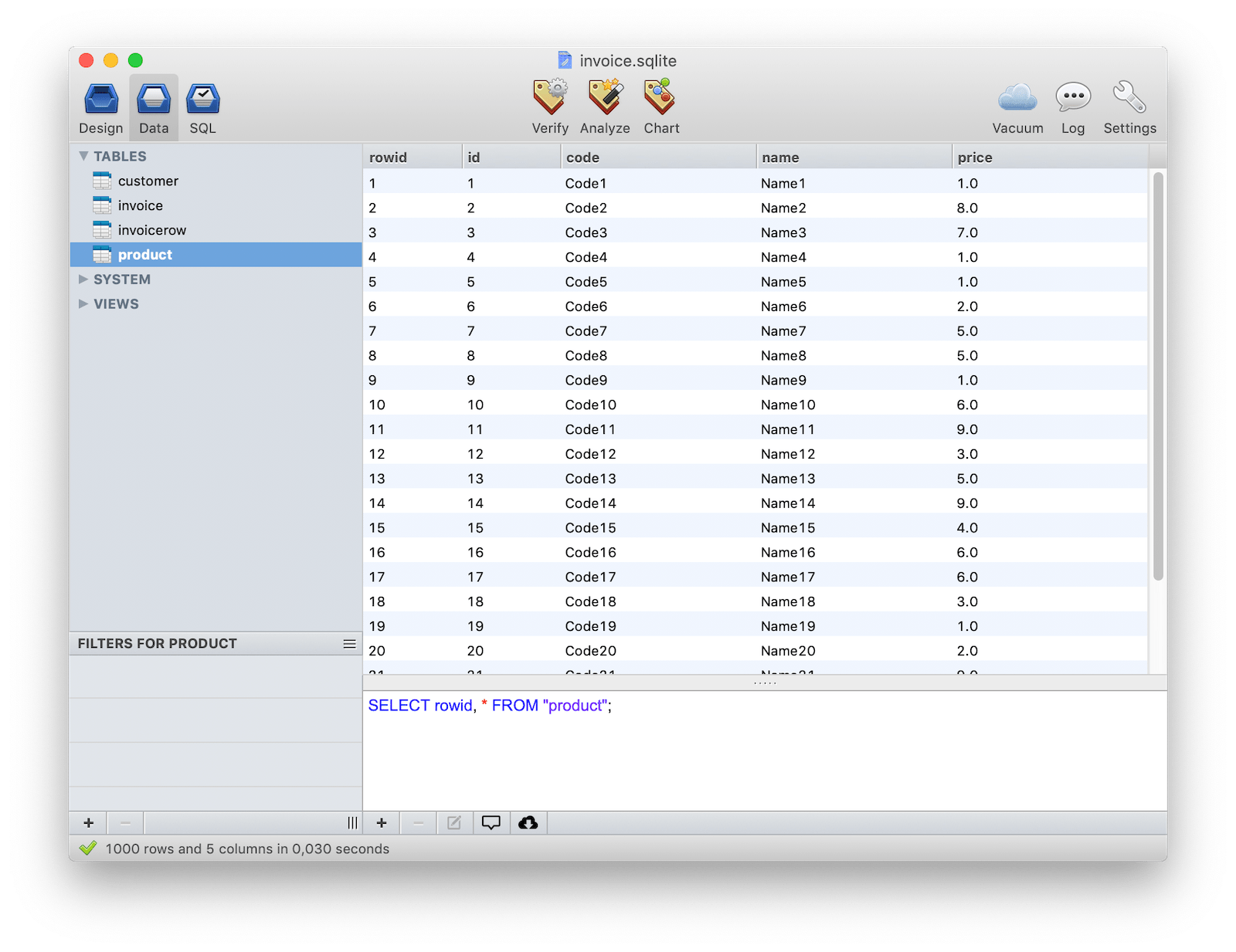
SQL queries
Instead of typing complicated command line commands, SQLiteManager allows you to query data contained in tables or views with just one click. If you need to refine your queries you can stack up an unlimited numbers of filters.
Inline editing done right
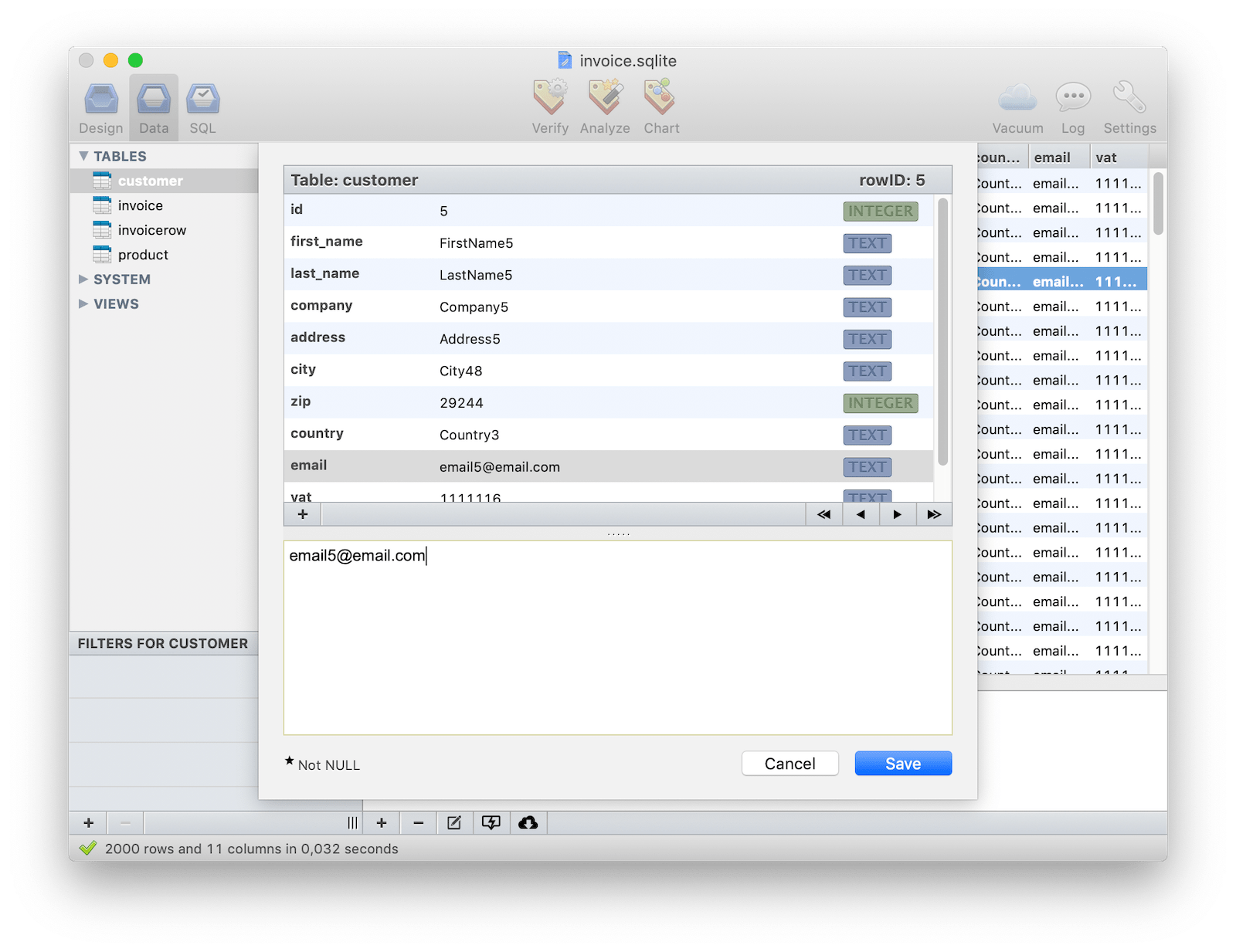
Inline editing is always difficult within most database management apps, where available space is limited and there are no options which are easily accessed. With SQLiteManager 4, a special popover window is displayed when you click on a cell which has plenty of space and options available.
To speed up editing operations, you can edit all of the rows inside a table just using the keyboard.
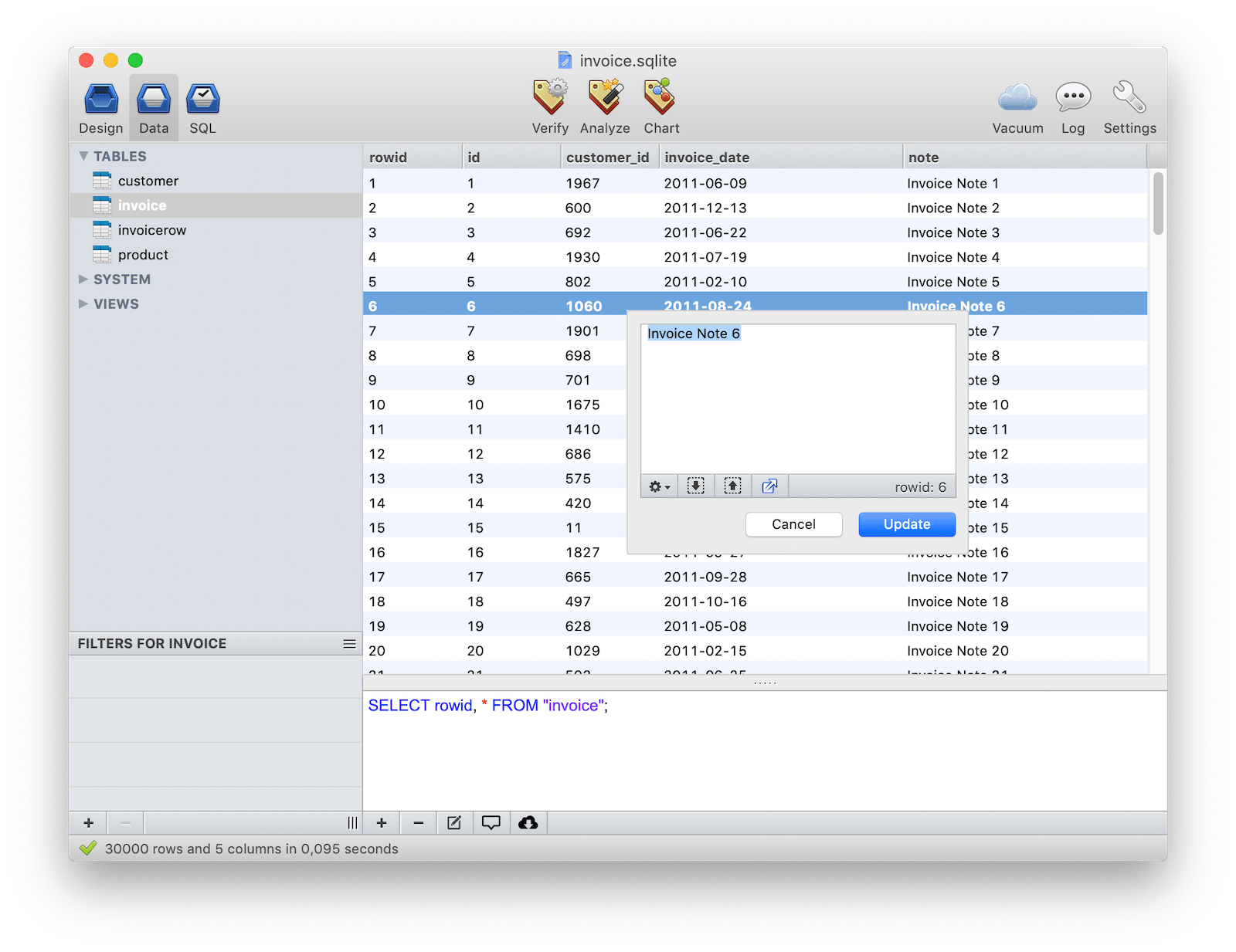
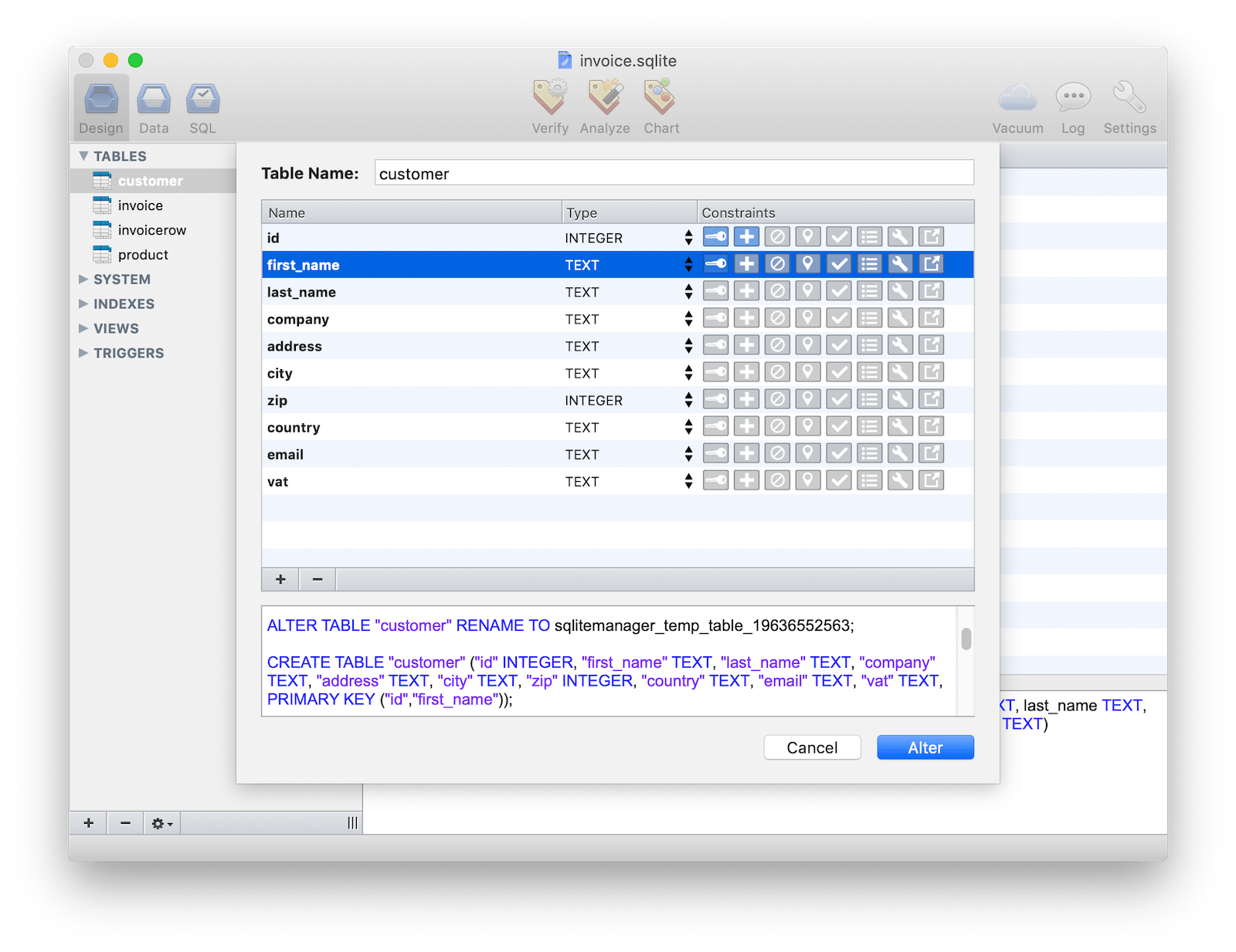
Table editor with live sql preview
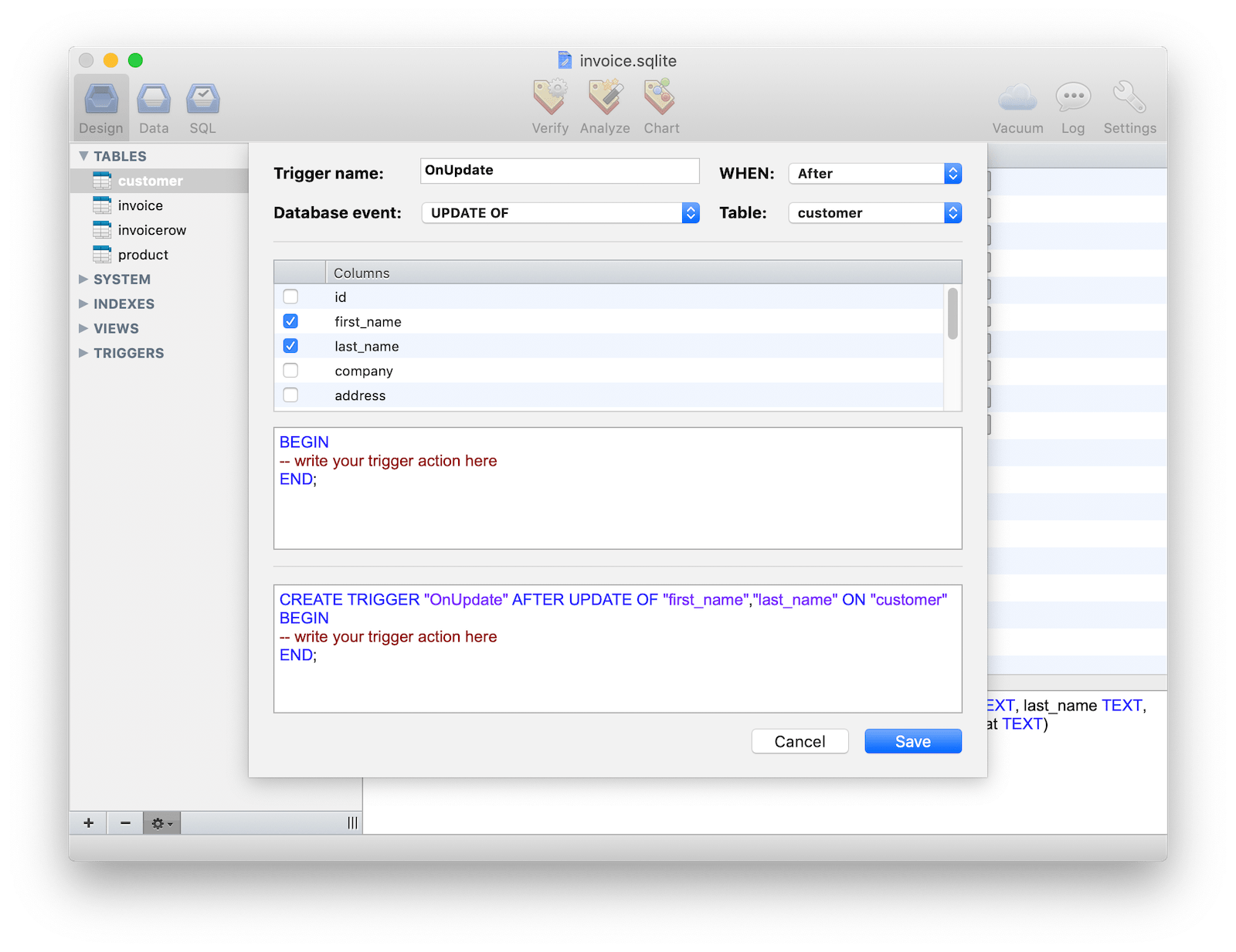
The Table editor is incredibly powerful. Based upon your settings, it automatically recognises whether the Alter Table operation is natively supported by sqlite or whether a special transaction is required. Live SQL preview offers you detailed information about the sql generated by your actions.
Foreign Keys are also fully supported within the table editor.
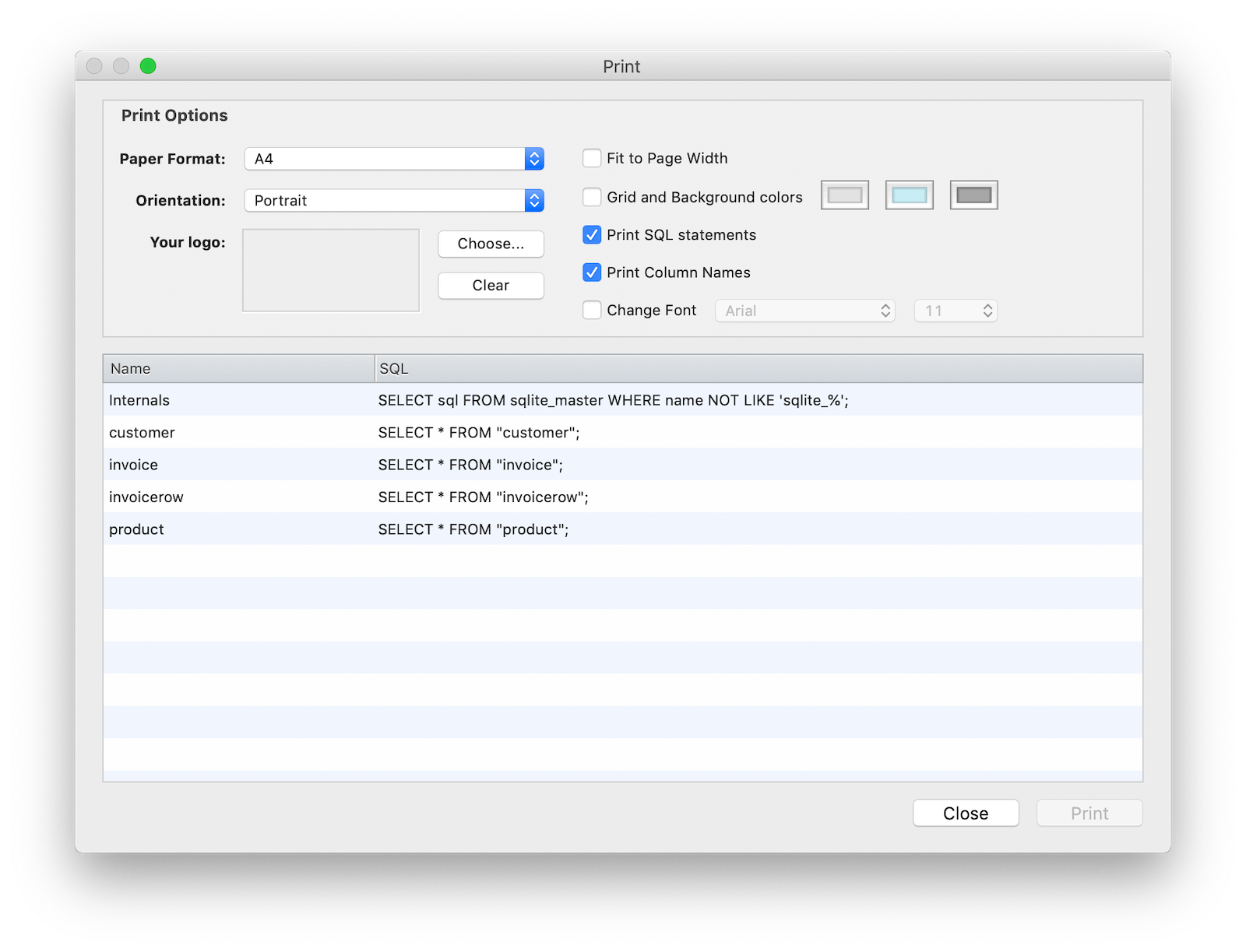
Powerful Print
Thanks to a powerful print engine you can now customize and preview all your prints. BLOB images are automatically recognized and printed and the print engine is driven by simple SQL queries that you can customize at any time. Built-in PDF exporting capabilities on both MacOS X and Windows is a must.
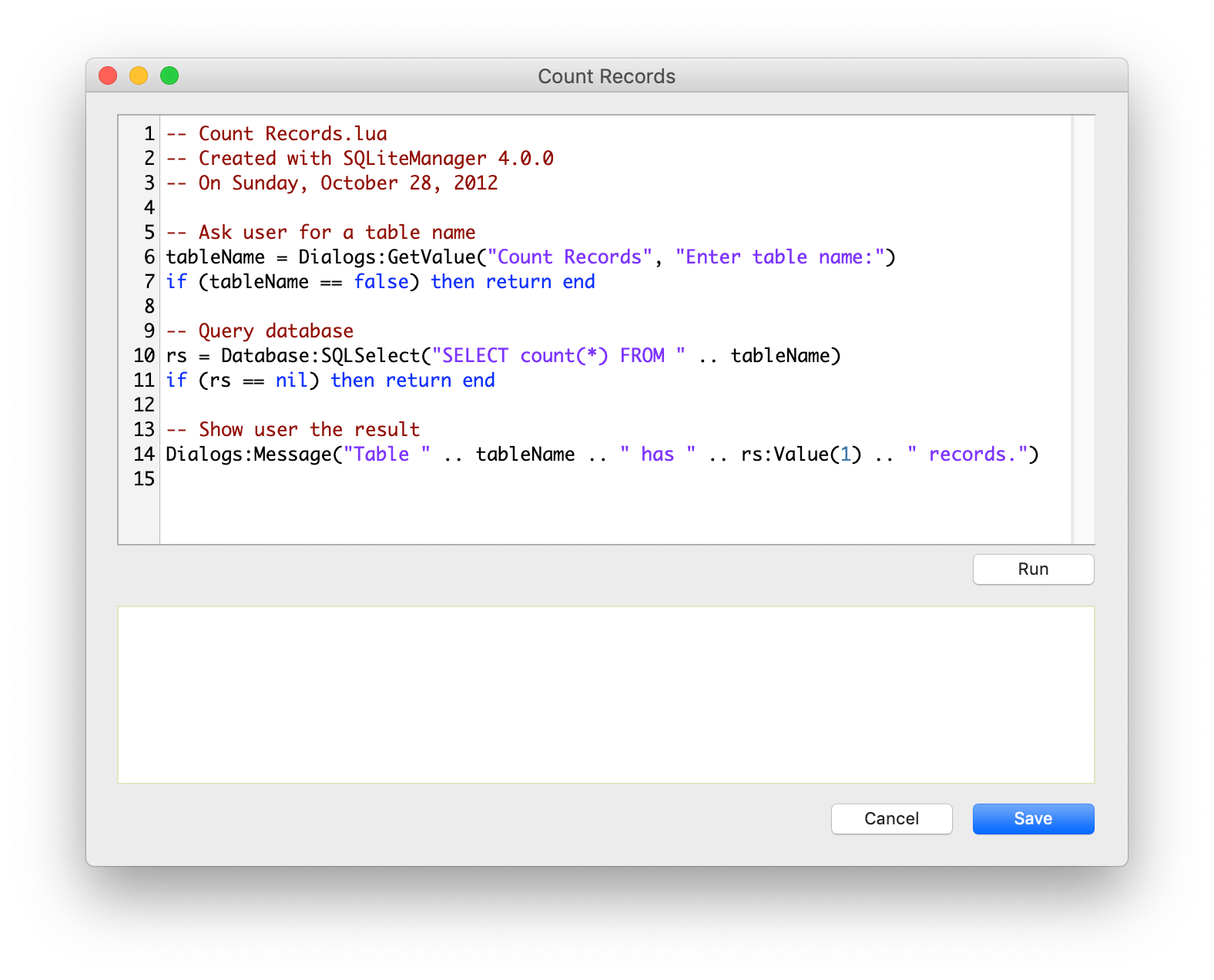
Lua scripting language
A built-in scripting language based on Lua enables you to write plugins and to automate repetitive tasks inside SQLiteManager. You can insert records in loops, download data from Internet, interact with the user and much more.
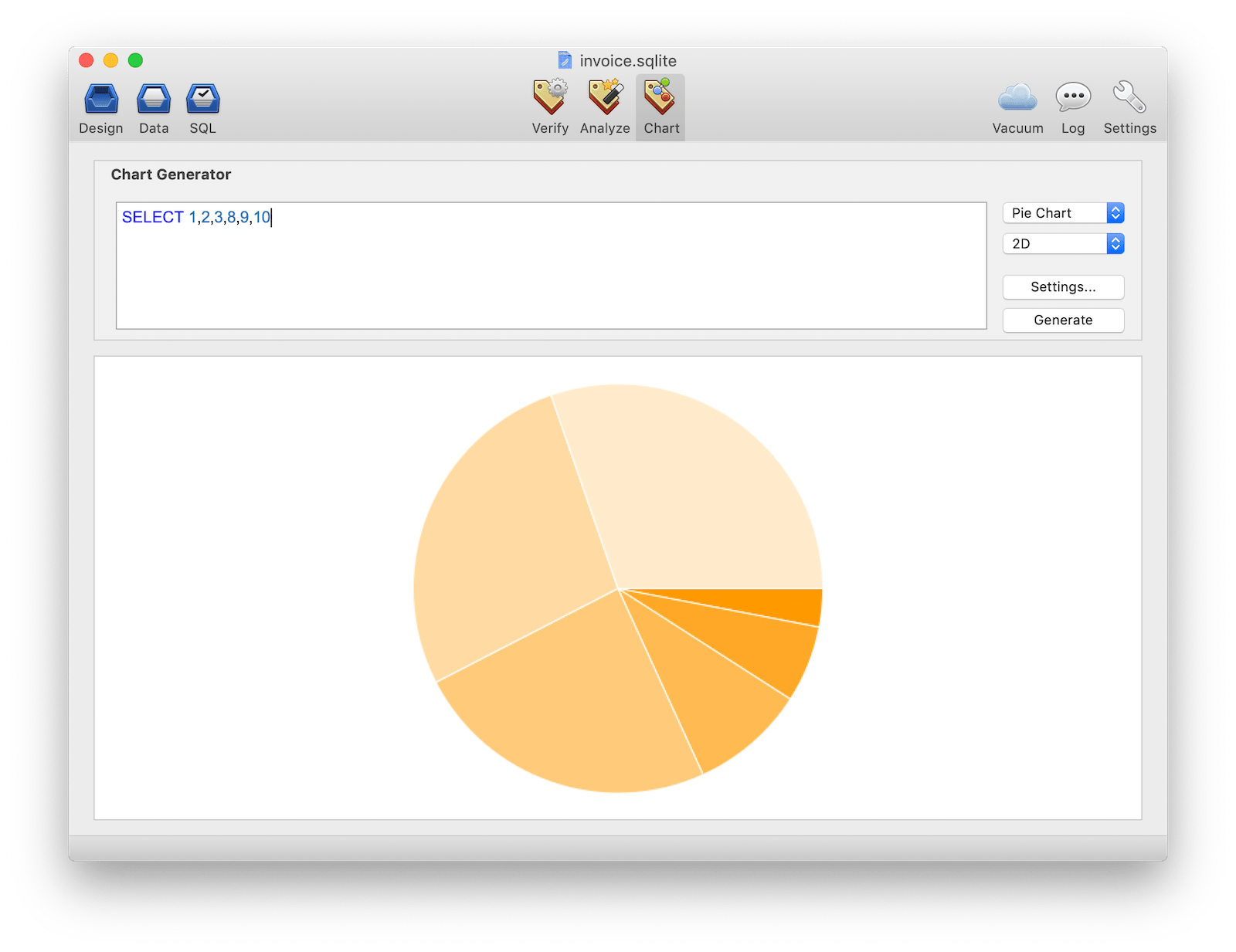
From SQL to Chart
The Chart Panel allows you to easily visualize your queries in fully exportable PNG charts. Many charts are supported like Line Chart, Bar Chart, Pie Chart, Venn Chart, Scatter, Radar and even QR Code. Create an sql query which returns numbers and you can plot your data in 2D and 3D!
Other features
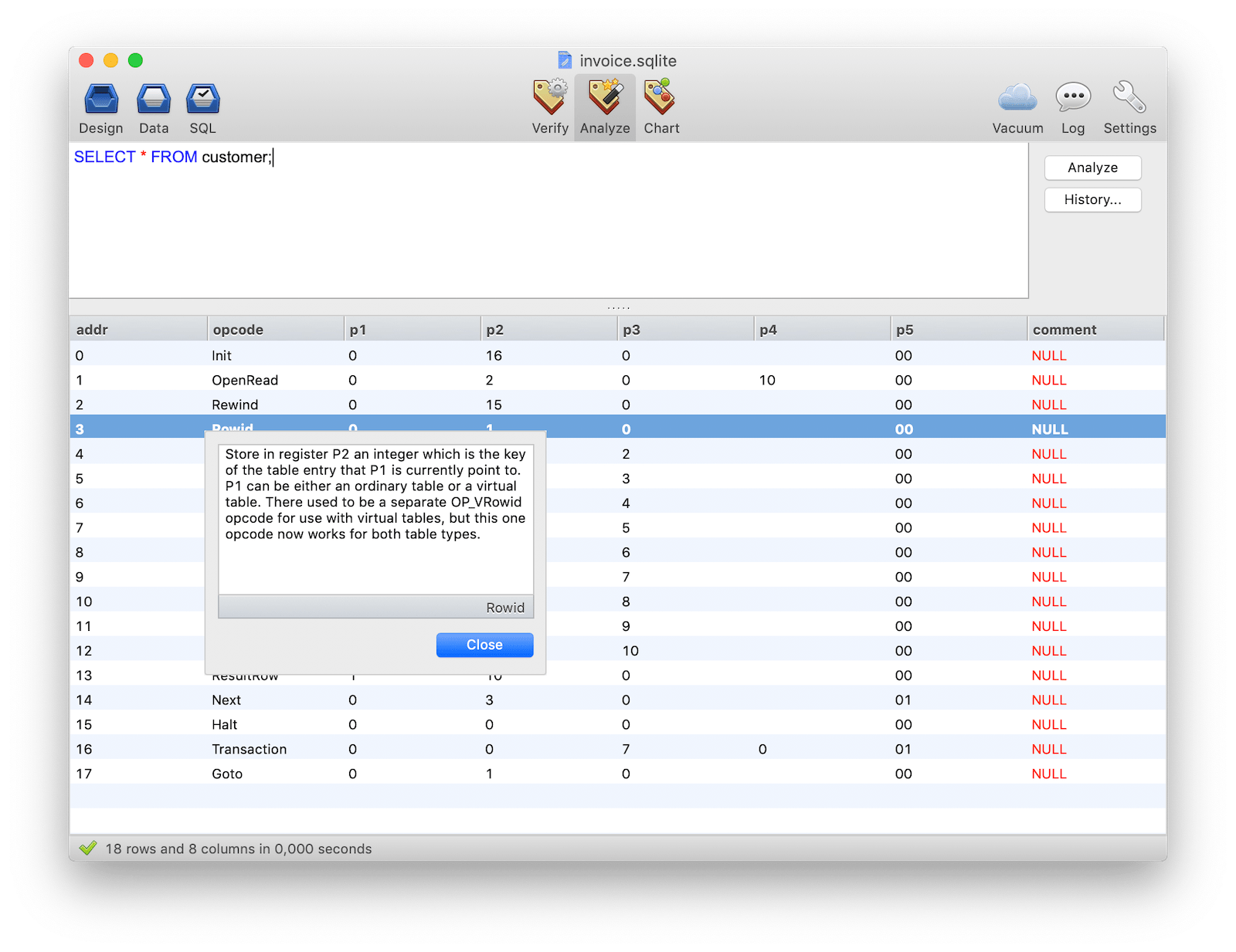
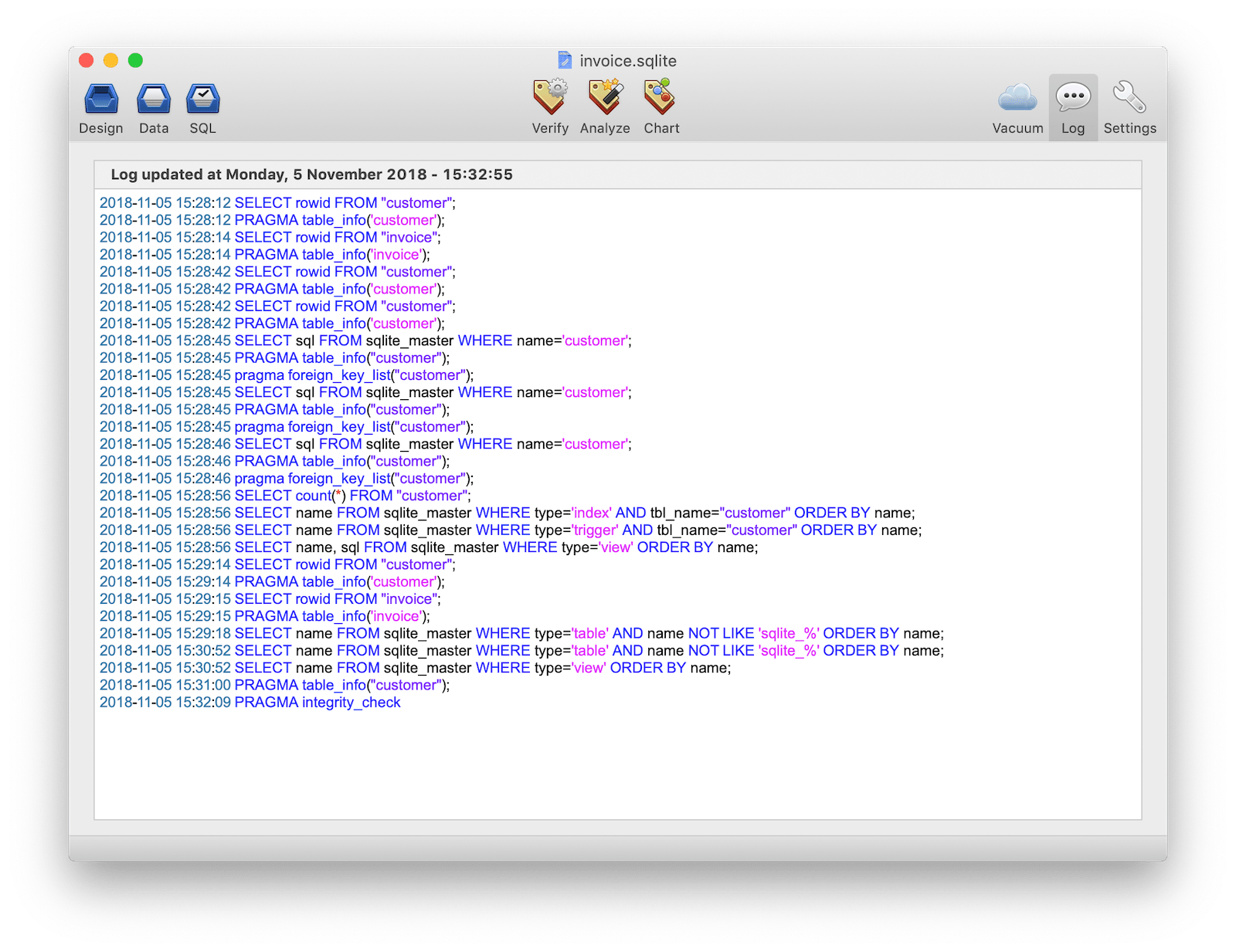
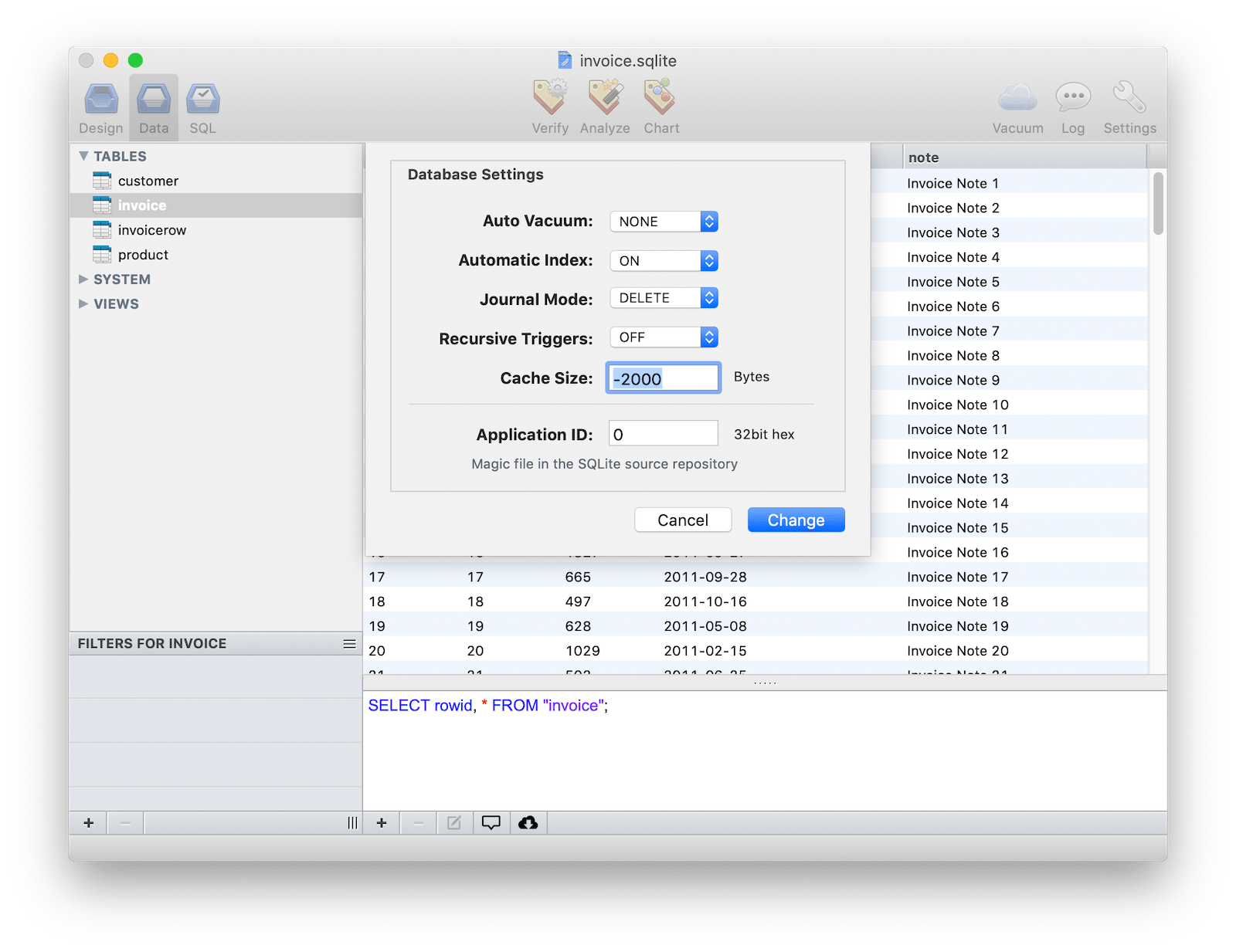
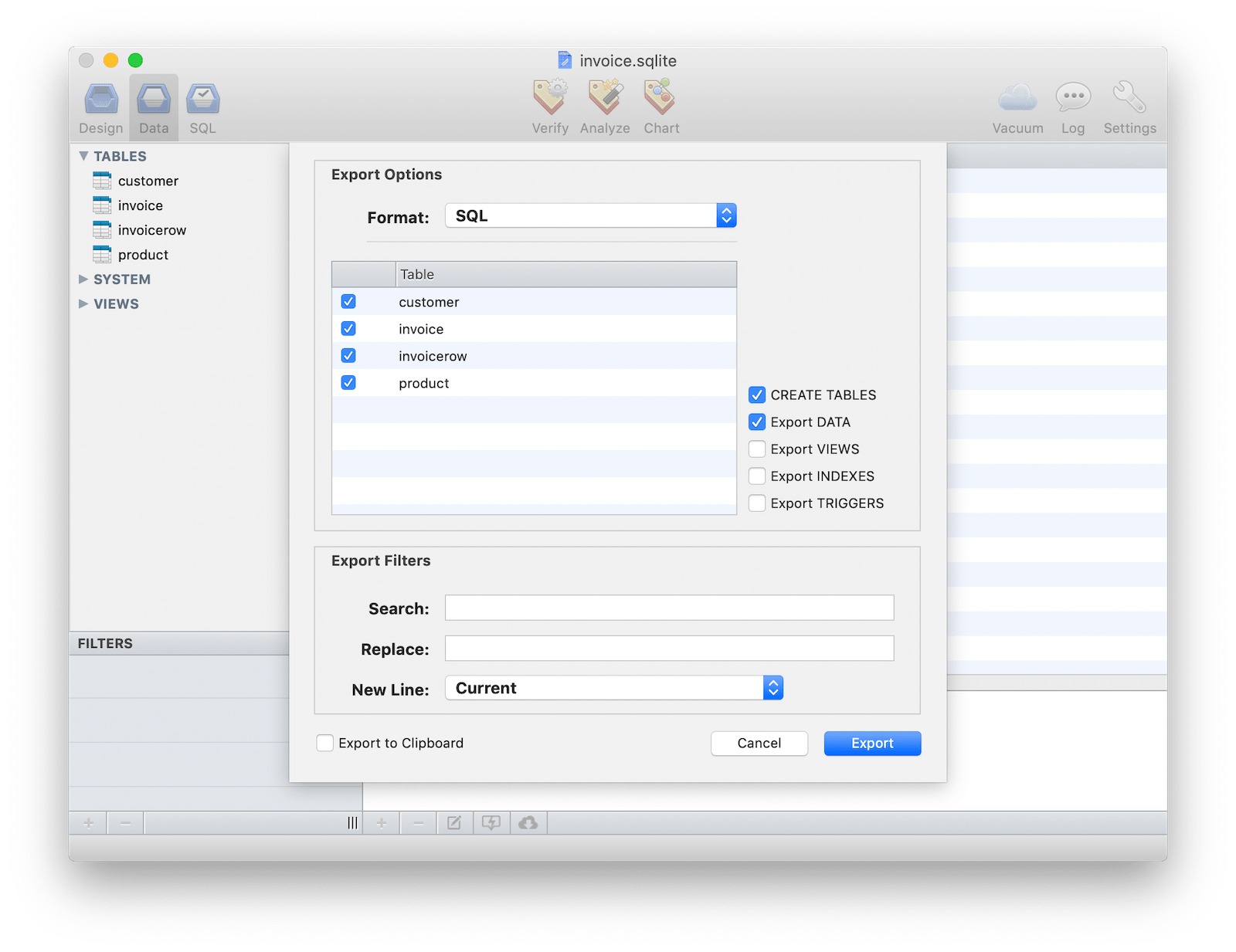
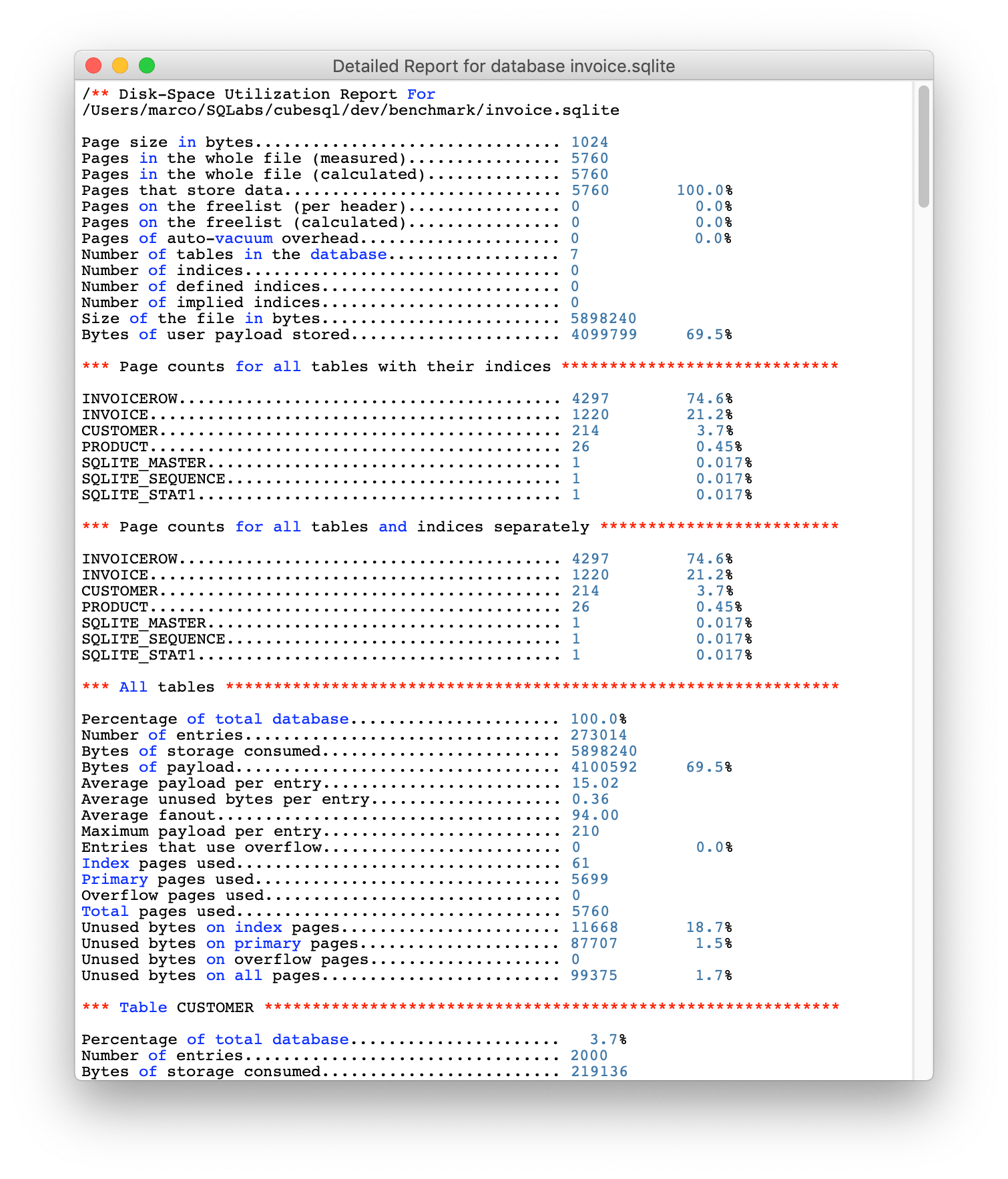
SQLiteManager is a powerful database management system for sqlite databases, it combines an easy to use interface with blazing speed and advanced features.
SQLiteManager allows you to work with a wide range of sqlite 3 databases: plain databases, in-memory databases, AES 128/256/RC4 encrypted databases, SQLCipher encrypted database and also with cubeSQL server.
A single license is valid for up to 2 computers (if not used at the same time). No subscription required. Free 4.x updates.
Download version 4.8.4
- November 07th, 2019
- Download for MacOS (64bit)
- Download for Window (64bit)
Requirements
- MacOS 10.10.5 or newer (macOS 10.15 compatible)
- Windows 7SP1/8.1/10 or newer